

In July 2025, Adobe’s Creative Cloud installer was reported on Adobe’s community forum to be missing a digital signature when downloaded from the main Creative Cloud download page. SmartScreen in Edge treated it as a potentially dangerous download. Enterprise users flagged it. The thread accumulated dozens of responses before Adobe acknowledged that a signed version existed via a different download path (Adobe Community, July 2025).
Adobe is not a small company with no security team. The incident illustrates a signing gap that affects SaaS companies across the market: the initial installer receives attention, but the downstream components of a desktop agent distribution do not. The update mechanism that runs silently in the background. The helper processes that start with Windows. The browser plugin that gets installed alongside the agent. Any one of these that is unsigned creates a weak point that enterprise IT teams notice and that Windows security features increasingly block.
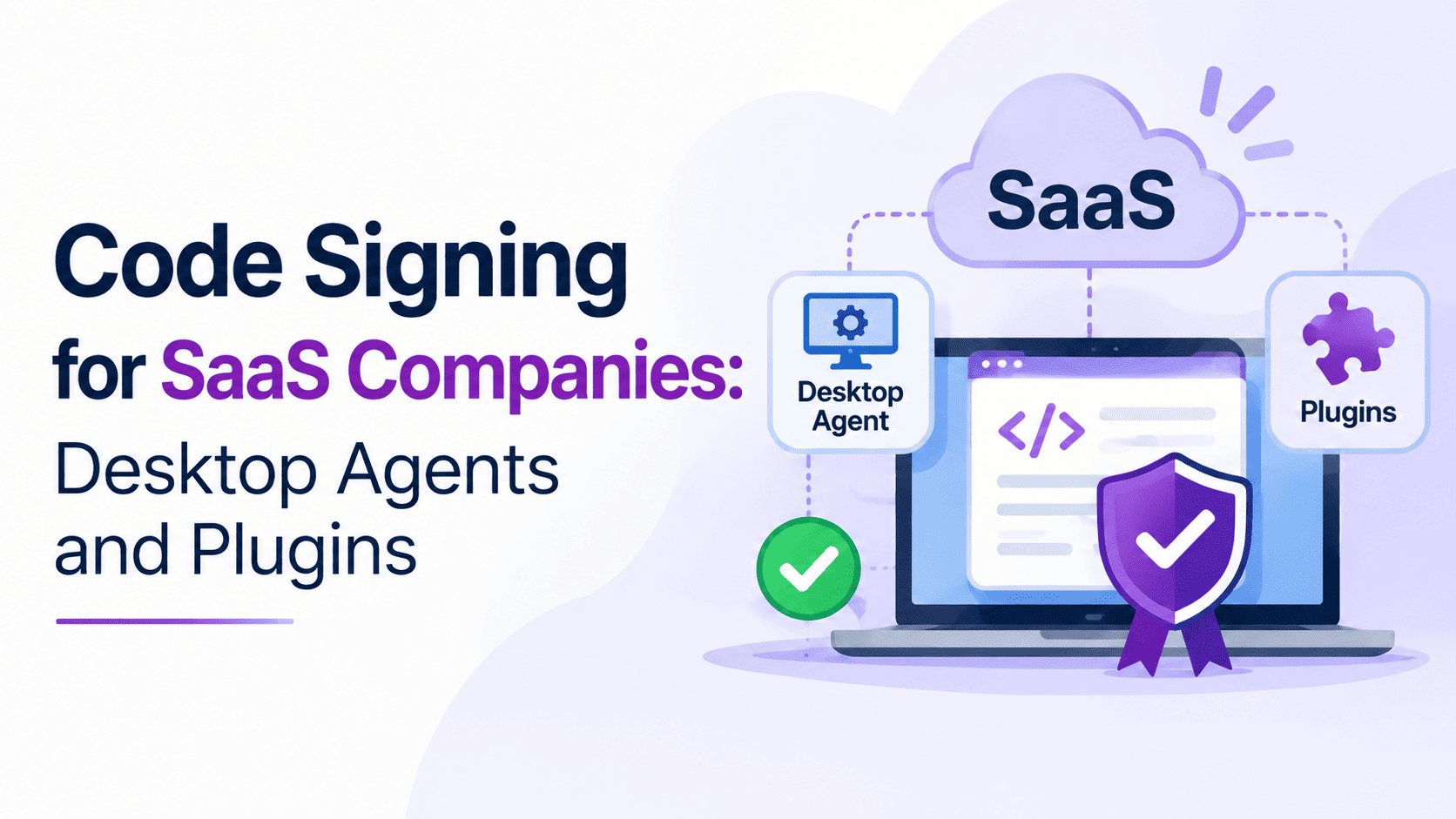
SaaS companies distributing desktop agents and plugins have a more complex signing surface than standalone software publishers. This guide covers what to sign, how to structure the certificate to serve all products and update paths under one publisher identity, what enterprise customers specifically require, and how to integrate signing into the release pipeline without creating a bottleneck.
What a SaaS Desktop Agent Distribution Actually Requires Signing
Most discussions of code signing focus on the installer. For a SaaS desktop agent, the installer is the least consequential component from a security policy perspective. Enterprise environments that use Windows Defender Application Control or Intune App Control for Business evaluate every executable that runs, not just the one that first arrived via an installer.
The complete list of components in a typical SaaS agent distribution that require signing:
- The initial installer (MSI, EXE, or MSIX): the component users or enterprise IT teams run to set up the agent. This is the one most SaaS companies sign.
- The agent binary itself: the persistent process that runs in the background after installation. If the agent binary is not signed, it will be blocked by WDAC publisher-based policies even if the installer was signed correctly.
- The auto-update mechanism: the most critical component for enterprise deployments. This binary downloads and installs new versions silently. If it is unsigned, WDAC will block its execution. Enterprise IT teams cannot deploy a SaaS agent that installs updates through an unsigned process. This is a hard deployment blocker, not a friction issue.
- Helper processes and service binaries: many SaaS agents install multiple executables: a system service, a background helper, a credential manager, a local proxy. Each executable that runs independently requires its own signature.
- Browser plugins distributed alongside the agent: extensions for Chrome and Firefox have their own signing requirements through the respective browser extension stores. Edge extensions follow the same path as Chrome for Chromium-based distribution. The agent installer should not bundle an unsigned browser extension binary that gets extracted and loaded locally.
- DLLs loaded by the agent: DLLs that the agent loads dynamically are evaluated by WDAC at load time. Unsigned DLLs from an otherwise-signed publisher raise a policy inconsistency that some WDAC configurations will block.
The most common SaaS agent signing failure in enterprise deployments is a signed installer that extracts and runs an unsigned update binary. The installer passes WDAC evaluation at installation time. The update mechanism fails WDAC evaluation the first time it runs. Enterprise users then report that the agent works after initial install but stops working after the first automatic update. This is entirely preventable by signing the update executable as part of the build pipeline.
What Enterprise Customers Specifically Require
What is a WDAC managed installer?
A Windows Defender Application Control managed installer is a deployment tool (such as Microsoft Intune, SCCM, or a designated enterprise deployment agent) that an IT administrator has designated as trusted. Software deployed through a managed installer can run even without explicit publisher rules, because the deployment path itself is trusted. For SaaS agents deployed outside a managed installer path, publisher-based rules require a valid OV certificate with consistent publisher identity.
WDAC publisher-based allowlisting
Enterprise customers who use WDAC to control which software runs on managed endpoints use publisher-based rules to allow software from known vendors. A publisher-based rule trusts all software signed with a specific certificate’s publisher identity: the Organization name and issuing CA. Once an enterprise IT team adds a rule for your publisher, every binary you sign with that certificate is automatically trusted on their endpoints without requiring a hash-based exception for each release.
Publisher-based rules are the scalable enterprise deployment model. Hash-based exceptions require an IT team to manually update the allowlist for every new version of every binary. A SaaS product that releases updates weekly cannot be practically managed through hash-based exceptions. Publisher-based rules solve this. They require that every binary your agent distributes is signed with the same consistent certificate and publisher identity.
The implication: once you establish a publisher identity for your agent, the Organization name and issuing CA in your signing certificate become part of your enterprise customers’ deployment infrastructure. Changing certificates, changing the Organization name, or switching CAs forces those customers to update their WDAC policies. This is a meaningful operational cost to your enterprise customers and a relationship trust issue.
Intune and App Control for Business
Microsoft updated Intune’s App Control for Business policy design on August 18, 2025, replacing a single tenant-wide managed installer policy with a model that supports assignment of managed installer policies to selected device groups (Microsoft Learn, August 2025). SaaS agents deployed through Intune as managed installers benefit from this model because software installed through the managed installer path can run without requiring explicit publisher rules.
However, auto-updates that the agent performs independently, outside the Intune managed installer path, do require publisher-based rules or must be signed to pass the code integrity evaluation. An agent that updates itself by downloading a new binary and running it must have that binary signed to pass WDAC evaluation even on Intune-managed devices.
Enterprise procurement qualification
Enterprise SaaS procurement processes increasingly include security questionnaires that ask whether the vendor’s software is code signed, which CA issued the certificate, and whether the signing covers all distributed executables. A SaaS company that can confirm OV code signing from a recognized CA across all agent components, including update mechanisms, is easier to approve through enterprise procurement than one that signs only the main installer.
Certificate Structure: One Certificate for All Products
A SaaS company with multiple products, multiple agent versions, or multiple platforms does not need a separate certificate for each product. An OV code signing certificate is issued to an organization, not to a specific product. The Organization field in the certificate Subject becomes the publisher identity that appears in UAC dialogs, WDAC policies, and SmartScreen evaluations.
One certificate signs the CRM agent, the HR platform agent, the security monitoring plugin, and the update mechanism for all of them. Enterprise IT teams write one WDAC rule for the publisher identity. SmartScreen accumulates reputation under one publisher. Certificate management involves tracking one renewal date rather than several.
The certificate should be:
- OV from any CA in the Microsoft Trusted Root Program: for standard Windows agent distribution. DigiCert, Sectigo, SSL.com, and Globalsign all work. EV is only needed if any component is a kernel-mode driver; standard SaaS agents running in user space use OV.
- Stored in a cloud HSM signing service: for CI/CD pipeline integration. Physical tokens cannot be used in GitHub Actions or Azure DevOps cloud runners. Azure Artifact Signing (formerly Trusted Signing) at approximately $10/month is Microsoft’s recommended option for US/Canada organizations. SSL.com eSigner at approximately $20/month covers international organizations.
- Renewed with continuity planning: under the 460-day maximum validity that took effect March 2026, plan certificate renewal at least 60 days before expiry. Communicate certificate transitions to enterprise customers who have publisher-based WDAC rules, as they will need to update their policies for the new certificate thumbprint.
Managing the 460-Day Certificate Lifecycle for High-Frequency SaaS Releases
SaaS companies release software frequently. A team releasing weekly updates to a desktop agent will have multiple releases per certificate lifecycle under the 460-day maximum introduced in March 2026. This creates a signing cadence challenge that standalone software publishers with infrequent releases do not face.
AppViewX’s 2026 analysis of the 460-day change noted that manual certificate management will not scale at this cadence, particularly as organizations grow. Automated certificate lifecycle management is no longer optional for SaaS teams with continuous delivery pipelines (AppViewX, May 2026).
Practical steps for SaaS teams:
- Integrate signing into the CI/CD pipeline from the start, not as a manual release step. A cloud HSM service accessible via API is the required foundation.
- Set automated calendar alerts at 90 days, 60 days, and 30 days before certificate expiry. The 460-day cycle is shorter than most SaaS certificate renewal processes were built to handle.
- Communicate certificate renewal dates to enterprise customers with WDAC publisher rules at the 60-day mark, giving them time to update their policies before the new certificate takes effect.
- Maintain a test signing environment that mirrors production to catch signing failures before they block a release.
Pipeline Integration: Signing Every Component on Every Release
The signing step for a SaaS agent should be a required gate in the release pipeline, not an optional post-build step. A release that exits the pipeline unsigned should fail the pipeline, not proceed to distribution.
The structure that works for SaaS agent pipelines:
- Build all agent binaries and the installer: compile, link, and package without signing.
- Sign all executables and DLLs individually: use signtool or the cloud HSM CLI to sign every PE binary. This includes the agent process, the update mechanism, service binaries, and helper processes.
- Package the installer with already-signed binaries: the installer contains pre-signed components.
- Sign the installer itself: the outer MSI, EXE, or MSIX gets its own signature after packaging.
- Run signtool verify on all signed artifacts: a verification step that fails the pipeline if any artifact has a broken or missing signature. This catches signing failures before distribution.
- Promote artifacts to distribution only after verification passes: the signed, verified build is uploaded to the distribution endpoint. Nothing unsigned leaves the pipeline.
Microsoft Learn’s April 2026 code signing options guide confirms that Azure Artifact Signing (formerly Trusted Signing) is typically more cost-effective than OV certificates and integrates more smoothly with automated build pipelines for US, Canada, EU, and UK organizations. For SaaS companies in these geographies with CI/CD pipelines, Azure Artifact Signing at approximately $10/month is the recommended starting point (Microsoft Learn, April 2026).
Cross-Platform Agents: Windows and macOS Signing Are Different Systems
Many SaaS desktop agents ship for both Windows and macOS. The signing requirements are separate on each platform and use different certificates.
- Windows: OV code signing certificate from a CA in the Microsoft Trusted Root Program, signed with signtool. Covered throughout this guide.
- macOS: Apple Developer ID Application certificate, issued through the Apple Developer Program ($99/year). The macOS agent, its helper tools, and its frameworks must each be signed with codesign, then the entire application bundle must be notarized with xcrun notarytool, and the notarization ticket stapled with xcrun stapler. Without notarization since macOS 10.15, Gatekeeper blocks the agent on first launch.
The two certificates are entirely separate. An OV certificate from DigiCert or Sectigo does not sign macOS binaries. An Apple Developer ID certificate does not sign Windows binaries. A SaaS company distributing a cross-platform agent needs both, managed through the respective signing pipelines for each platform.
SaaS Agent Signing Checklist
| Component | Sign? | Tool | Notes |
| Initial installer (MSI or EXE) | Yes | signtool | Sign after all internal components are signed and packaged |
| Agent process binary (.exe) | Yes | signtool | The persistent background process; WDAC evaluates at every launch |
| Auto-update mechanism (.exe) | Yes – critical | signtool | Hard enterprise deployment blocker if unsigned; sign in the build pipeline |
| Windows service binaries (.exe) | Yes | signtool | Each separately-executable service component |
| DLLs loaded by the agent | Yes | signtool | Particularly those loaded dynamically; WDAC evaluates at load time |
| MSIX package (if used) | Yes | signtool | Publisher CN must match appxmanifest Publisher attribute exactly |
| PowerShell scripts (.ps1) | Yes if deployed | Set-AuthenticodeSignature | Required if enterprise policies enforce script signing |
| macOS agent bundle | Yes | codesign + notarytool | Separate Apple Developer ID; must notarize and staple |
| Browser extension (Chrome/Firefox) | Via store submission | Store signing | Extensions distributed through browser stores are signed by the store |
Frequently Asked Questions
Can we use one certificate across multiple SaaS products from the same company?
Yes. One OV certificate issued to your organization signs all products distributed under that organization’s name. The publisher identity in WDAC policies, SmartScreen reputation, and UAC dialogs is the Organization field in the certificate Subject. Enterprise customers who allowlist your publisher identity in WDAC allow all software signed with that certificate, regardless of which product it belongs to. SmartScreen reputation accumulates under the same publisher identity across all products.
Our enterprise customers use a Managed Installer policy via Intune. Do our agent binaries still need to be signed?
Yes for auto-update binaries and any executables the agent runs outside the original Intune deployment path. The Managed Installer designation covers software deployed through the designated installer. The auto-update mechanism that the agent runs independently to install new versions is not being deployed through Intune at that point. It is being executed by the agent itself. WDAC evaluates this execution against publisher-based rules or code integrity requirements. If the update binary is not signed by a trusted publisher, it will be blocked even on Intune-managed devices with a Managed Installer policy.
We release updates weekly. How do we handle the 460-day certificate renewal without disrupting enterprise customers?
The key is advance communication and overlap planning. At 90 days before expiry, generate the new certificate and begin signing new development builds with it to start building publisher reputation. At 60 days before expiry, notify enterprise customers who have WDAC publisher rules for your current certificate, providing the new certificate’s Subject string and thumbprint for policy updates. At 30 days before expiry, require all production releases to use the new certificate. At expiry, the old certificate’s signatures on timestamped existing releases remain valid; only new releases require the new certificate. This staged transition gives enterprise customers time to update WDAC policies without blocking your release pipeline.
